
Bright candy.
Endless imagination.
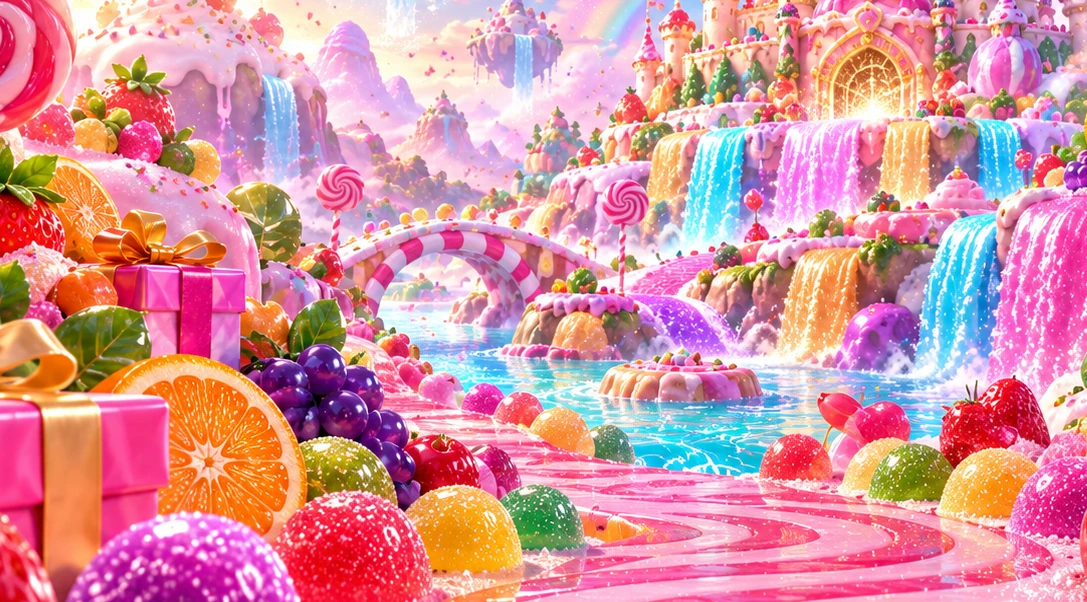
Shiny lollipops, juicy fruit and colourful sugar falls fill a playful candy kingdom. Explore the sweetest details, then make a tiny candy-coloured mosaic of your own.
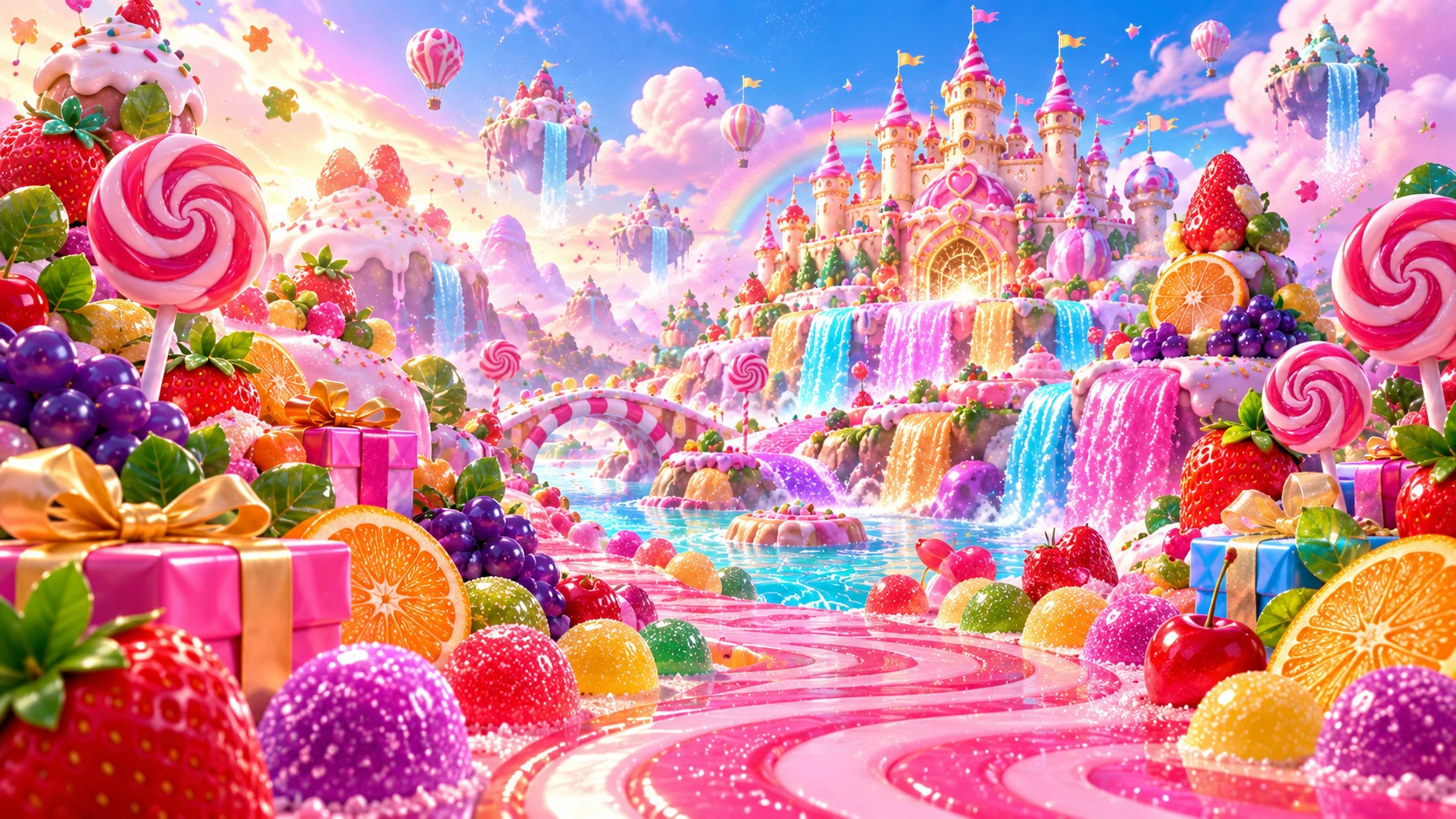
Candy Canvas
Sixty-four little squares. Seven colour choices. No right answer.
A tiny picture. Entirely yours.
Choose a colour, then tap a square. Start from nothing or borrow our little butterfly as a jumping-off point.
Arrow keys move between squares. Enter paints the focused square. Undo works on individual edits and on the starter design.
Exports an SVG image on your device. Your picture is not uploaded.
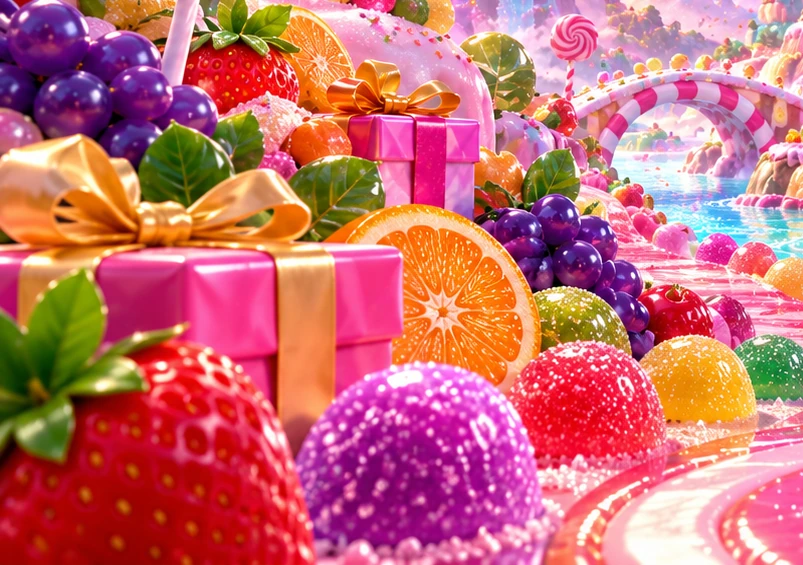
A sweet world starts with a bright detail.
Glossy fruit, giant lollipops and golden ribbons fill the candy kingdom. Pick a favourite combination and bring its colours into your own small mosaic.
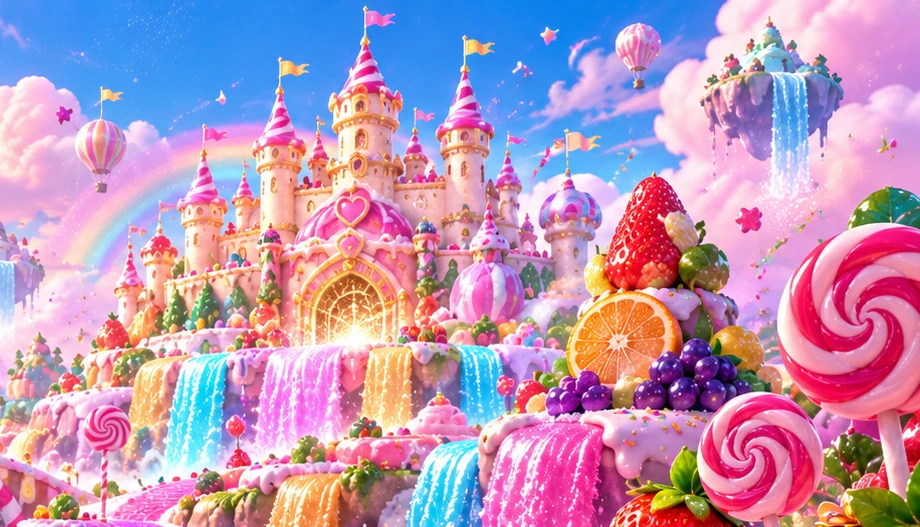
A castle made for colourful daydreams.
Frosting towers glow over rainbow-coloured water. Use the scene as inspiration, not a pattern you must copy: your Candy Canvas can be entirely your own.
Pink and apricot bring a little sherbet glow.
Mint and blue give a picture room to breathe.
Plum adds a small, useful point of contrast.
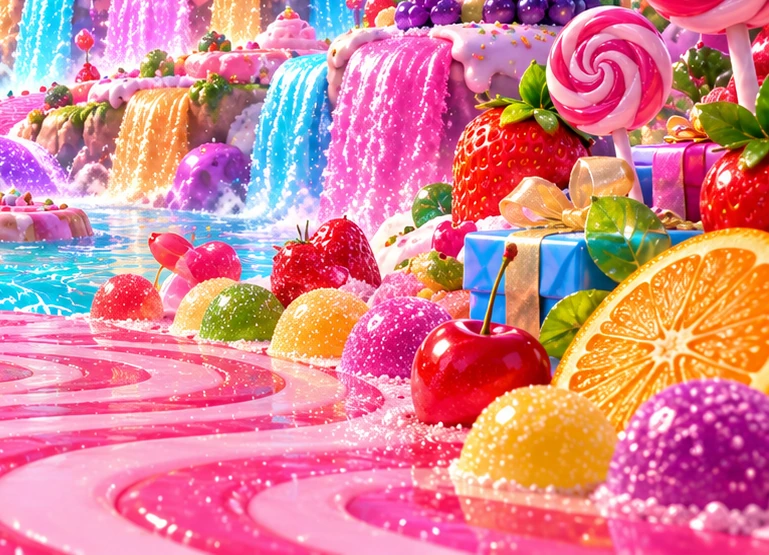
Mix a little shine with a little surprise.
Bright gifts, round sweets and juicy fruit create their own visual rhythm. On your canvas, a stripe, a checkerboard or a single unexpected colour can do the same.
In the illustrated weave, soft blocks sit beside each other like pieces of a very sweet quilt.
Open the pattern notebookLet the sweetest colours lead.
Pink candy paths, aqua waterfalls and tiny rainbow treats bring the scene together. The whole palette in Candy Canvas is free to use from the start.
There is no locked gallery or premium palette. Every colour is available from the start.
Your first square does not need a plan.
Try one mark. Put a different colour next to it. Change your mind with Undo. Sometimes a little picture begins with a favourite shade rather than a finished idea.
The nicest detail might be the one you did not intend.
No two little pictures need to match.
Create a candy-striped border, a colourful shape or a pattern with no name at all. Undo is there when you change your mind, and you can save the finished mosaic.
The world behind the canvasYour picture stays yours.
Save my mosaic makes a small SVG file in your browser. Nothing is uploaded. Keep it before leaving the page, because the canvas resets on reload.
Make the last little square your own.
Your canvas is a real browser activity, separate from the candy-world artwork. Save the mosaic to your device before leaving; no image is uploaded to a server.
Back to my canvasSave the picture. Take the break.
A finished picture is whatever feels finished to you. Save the file, stretch your hands and let a new idea arrive another time.
A note on playing comfortablyBefore the next sprinkle.
About saving, starting over and using the canvas in the way that suits you.
Is Candy Canvas a competition?
No. It is a free, open-ended drawing activity. There is no score to beat, money to spend or prize to win.
Where does my artwork go?
It stays in your browser. Save my mosaic creates a local SVG image; it does not upload the canvas to a server.
What is an SVG file?
It is a vector image format that opens in modern browsers and many graphics applications. Your exported mosaic can scale without losing its square edges.
Can I undo a starter design or clear?
Yes. Undo includes normal colouring, Try a butterfly and Clear. It keeps up to eighty edits within the current page session.
Will my work survive a reload?
No. Save your mosaic before refreshing or leaving the page. The game does not store artwork or drafts after you leave.
Ask a question or tell us about a control that could be clearer.